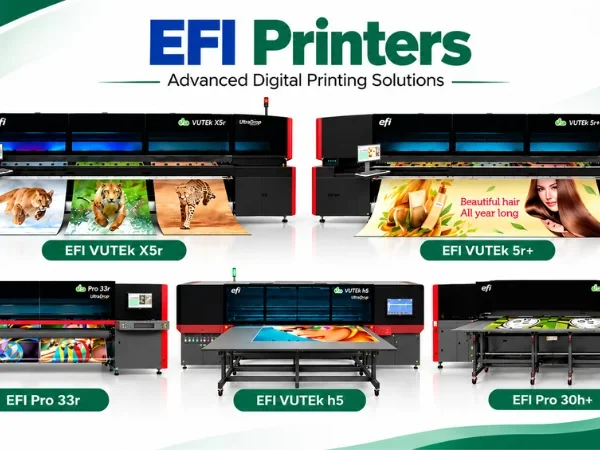
7 Reasons to Buy EFI Printers for Your Print Business in India
Table of Contents 7 Reasons to Buy EFI Printers for Your Print Business in India EFI printers let one print business serve signage, soft signage,

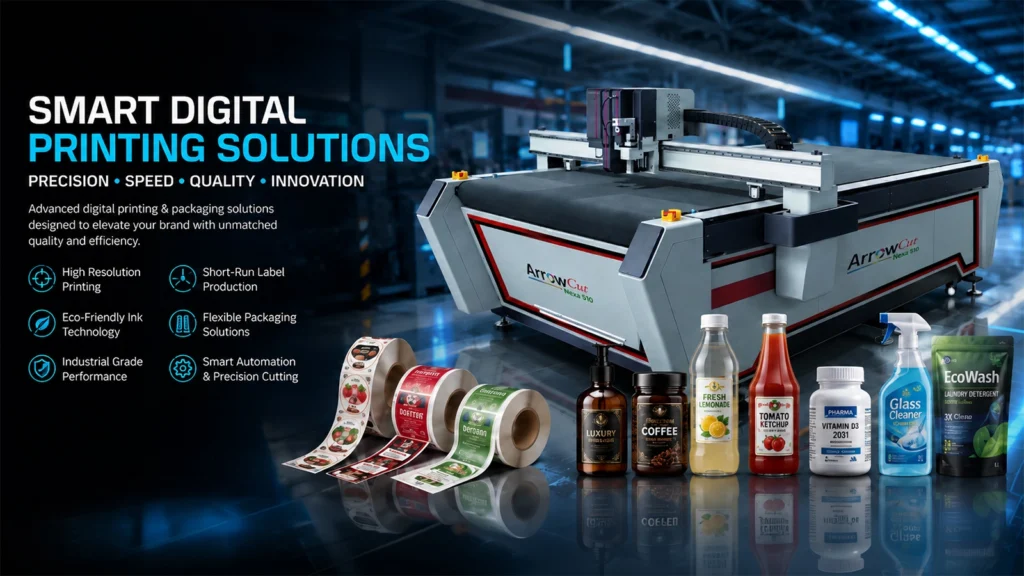
Match the cutting tool to your material — wrong tool selection causes rework, substrate damage, and production downtime.
Digital flatbed cutters support multiple interchangeable tools, each engineered for a specific material class and cut type. This guide covers the five primary cutting tools used in digital finishing, with structured selection criteria for signage, label, and display production environments. For a broader comparison of digital versus traditional finishing approaches, see Digital Flatbed Cutters vs Traditional Finishing Equipment.
Whether you’re working with vinyl decals, foam boards, textiles, or aluminum sheets, choosing the right cutting tool can mean the difference between a flawless finish and a costly rework. For beginners stepping into the realm of digital flatbed cutting, the array of tools available can feel overwhelming. But don’t worry—this guide breaks down the key tools used in digital finishing and how to choose the best one for your specific material.
Digital flatbed cutters use interchangeable tools to cut different materials — selecting the wrong tool degrades quality and wastes substrate.
Digital flatbed cutters — such as the ArrowCut Nexa 510 — are equipped with modular, interchangeable tool heads. A single machine can handle vinyl, corrugated board, foam, fabric, acrylic, and aluminium composite panels by swapping to the appropriate tool. Accuracy is maintained to within ±0.05 mm regardless of tool type, provided the correct tool is selected for the substrate.
The five primary tool types are: Oscillating Knife, Kiss Cut, V-Cut, Rotary, and Milling. Each operates on a different mechanical principle and is matched to a distinct material class.

Five tool types cover the full range of substrates in digital finishing — from pressure-sensitive vinyl to aluminium composite panels.
A blade that moves rapidly up and down to slice through medium-density rigid materials cleanly and efficiently. Handles materials up to 10 mm thick without tearing or delamination. Best for: PVC, cardboard, corrugated board, foam board — signage and display graphics. Use when: Clean cuts in slightly rigid materials; packaging prototypes; POP displays requiring speed without compromising edge quality. |
Commonly used in signage and display production and retail POP applications. For real-world output examples, see Retail That Pops: How the ArrowCut Nexa 510 Transforms Signage into Showstoppers.

Cuts through the top material layer only — no penetration of the backing sheet. Depth is precisely controlled via blade pressure settings, preserving the liner for application-ready output. Best for: Labels, stickers, vinyl — pressure-sensitive adhesive materials on a liner. Use when: Intricate label designs requiring precision without full penetration; sheeted label production; designs with tight registration requirements. |
The kiss cut tool is the primary finishing tool in digital label production. See also Why a Finisher Is Important in Labels & Packaging for context on downstream finishing requirements.
Makes 45° angle cuts that create fold lines, bevelled edges, and 3D structures. The angular cut allows the material to fold cleanly at the scored line without cracking. Best for: Foam boards, sandwich boards — display and exhibition construction. Use when: Constructing 3D promotional standees or architectural models; designs requiring foldable structures; applications where edge finish aesthetics matter. |
Frequently used in packaging and box production. See How Digital Creasing & Cutting Are Revolutionising Custom Boxes for Premium Brands for a detailed overview of this application.

A continuously rolling circular blade that slices through soft, flexible, and fibrous substrates without fraying or distortion. The rolling motion stabilises the cut edge along the full cutting path. Best for: Textiles, fibrous materials — polyester, cotton, carpet, technical textiles. Use when: Fray-free cuts in woven or stretch materials; applications requiring smooth, sweeping curves; soft signage and fashion-adjacent finishing work. |
Used in digital textile printing workflows and soft signage production where fabric needs clean, fray-free edges before tensioning or framing.
A high-speed routing spindle operating at up to 40,000 RPM that removes material by abrasion rather than shearing. Produces clean, dimensionally accurate edges in hard, dense substrates. Best for: Acrylic, aluminium, ACP (Aluminium Composite Panels) — structural signage and industrial display. Use when: Hard, thick materials where shear-cutting tools would chip or stall; structural signage requiring edge integrity; control panels and robust display units. |
Relevant to digital label finishers and CNC router equipment. Dust extraction must be operational during all milling runs to protect the tool, the machine, and the workpiece.

Four variables determine the correct tool: material type and thickness, required cut quality, production speed, and design complexity.
Match the tool to the mechanical properties of the substrate. A rotary blade is ineffective on aluminium — it will skip and score rather than cut. A milling tool will tear soft textiles. Material density, thickness, and surface structure are the primary selection filters.
Intricate label and sticker designs require the precision of a kiss cut tool. Rough prototype cuts for structural mockups can be handled by an oscillating knife. Where edge finish is visible to the end user — packaging, exhibition displays — select the tool that produces a clean edge for that specific substrate.
Oscillating knife and kiss cut tools on a high-speed flatbed cutter — such as the ArrowCut Nexa 510 — deliver both speed and accuracy for high-volume runs. Milling operations are inherently slower due to the routing mechanism; plan production schedules accordingly.
Designs involving fold lines or bevelled edges require the V-Cut tool. Tight radii and sweeping curves in fabric require the rotary blade. Multi-step designs — for example, kiss cut labels on a corrugated carrier — may require a dual-tool configuration in a single pass.
Blade sharpness, calibration, and cleaning directly determine cut quality — maintenance is not optional in a production environment.
Replacement Stock — Keep spare blades available for high-use tools to eliminate downtime. For the milling tool, ensure dust extraction is operational before each run.
Match your production application to the correct cutting tool using the reference table below.
Application | Material | Recommended Tool | Why |
|---|---|---|---|
Label Production | Vinyl, sticker sheets | Kiss Cut Tool | Cuts top layer only; preserves backing sheet for application-ready output |
POP Displays | Corrugated board | Oscillating Knife | Handles medium-density rigid materials cleanly up to 10 mm thick |
Textile Cutting | Polyester, cotton | Rotary Tool | Rolling motion prevents fraying in woven and stretch fabrics |
Exhibition Standees | Foam board | V-Cut Tool | Produces 45° bevelled folds for clean 3D structures |
Outdoor Signage | Acrylic, ACP | Milling Tool | High-speed routing up to 40,000 RPM for hard, dense substrates |
The ArrowCut Nexa 510 supports dual and triple tool combinations, enabling multi-step finishing in a single production pass.
The ArrowCut Nexa 510 is a digital flatbed cutter manufactured by Arrow Digital India, designed for production-scale finishing across labels, signage, display graphics, and technical textiles. It supports modular tool changes across all five tool types described in this guide. For further application inspiration, see 10 Surprising Applications You Can Create with the ArrowCut Nexa 510.
Specification | Detail |
|---|---|
Cutting accuracy | ±0.05 mm |
Tool configuration | Dual or triple simultaneous tools via modular Z-axis |
Registration system | CCD optical registration for contour alignment |
Network capability | Network-enabled diagnostics and firmware upgrades |
Compatible tools | Oscillating knife, kiss cut, V-cut, rotary, milling |
Application sectors | Labels, display graphics, packaging prototypes, textile finishing |
Answers to common questions about cutting tool selection, blade maintenance, and digital flatbed cutter capabilities.
An oscillating knife moves the blade up and down to slice through rigid materials like corrugated board and foam up to 10 mm thick. A rotary blade rolls continuously and is designed for soft, fibrous substrates like fabric and carpet. Using either tool on the wrong substrate produces poor cut quality and accelerated blade wear.
No. A kiss cut tool is specifically calibrated to cut only the top layer of a material, leaving the backing sheet intact. For full-penetration cuts in vinyl or adhesive materials, an oscillating knife at a greater depth setting is the correct tool.
Inspect blades after every 8 hours of cutting on abrasive materials such as ACP or thick cardboard, and after every 20 hours of run time on vinyl and label stocks. Visible edge quality degradation is the primary replacement trigger — do not wait until the output is visibly defective.
Yes. The Nexa 510 supports dual and triple tool configurations simultaneously via its modular Z-axis design. This allows multi-step finishing — for example, an oscillating knife cut combined with a kiss cut — in a single production pass without manual tool changes.
The milling tool is designed for hard, dense substrates: acrylic, aluminium, and ACP (Aluminium Composite Panels). It operates at up to 40,000 RPM. Proper dust extraction must be active during milling operations to protect the tool, the machine, and the finished workpiece.
Arrow Digital India operates application centres across Ahmedabad, Bengaluru, Delhi, Indore, Kolkata, Mumbai, Pune, and Surat. Live demonstrations can be arranged at any branch location. Contact Arrow Digital directly to schedule a session with your specific materials.
Table of Contents 7 Reasons to Buy EFI Printers for Your Print Business in India EFI printers let one print business serve signage, soft signage,
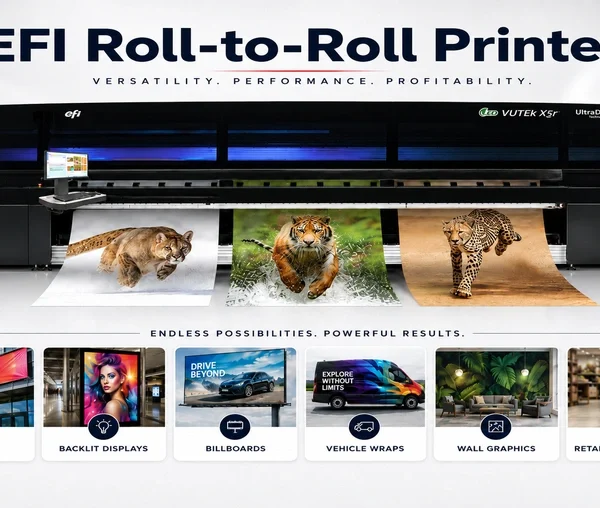
Table of Contents Why You Need EFI Roll-to-Roll Printers for Special Applications EFI VUTEk roll-to-roll printers become all-in-one production platforms with value-added accessories for finishing,
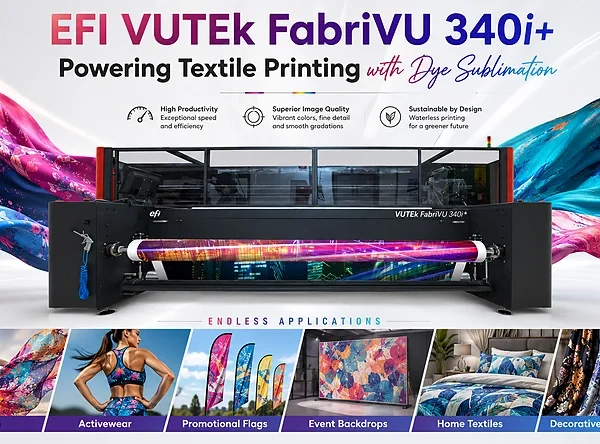
Table of Contents EFI VUTEk FabriVU 340i+ Dye Sublimation: A Great Choice for Textile Printing The EFI VUTEk FabriVU 340i+ prints and fixes fabric graphics
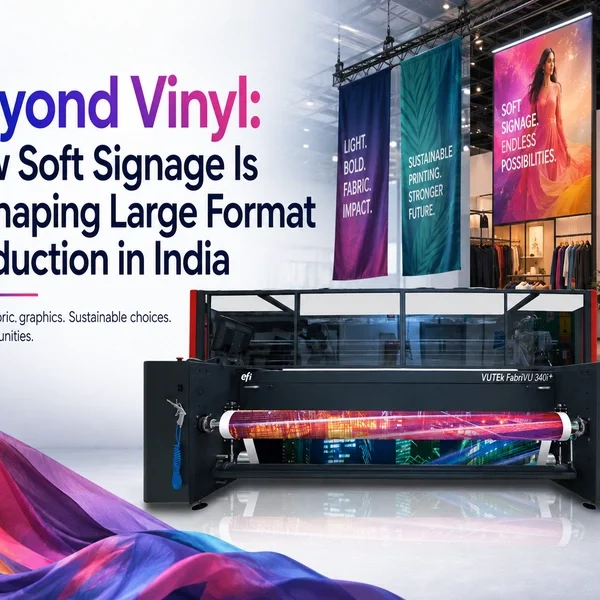
Table of Contents Beyond Vinyl: How Soft Signage Is Reshaping Large Format Production in India Print buyers across retail, events, and hospitality have been moving
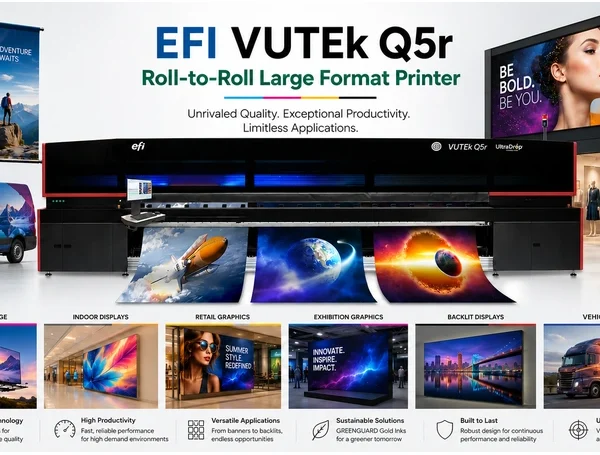
Table of Contents EFI VUTEk Q5r Roll-to-Roll Large Format Printer:Production Capabilities and Ink Options India’s large format print market is being shaped by one consistent
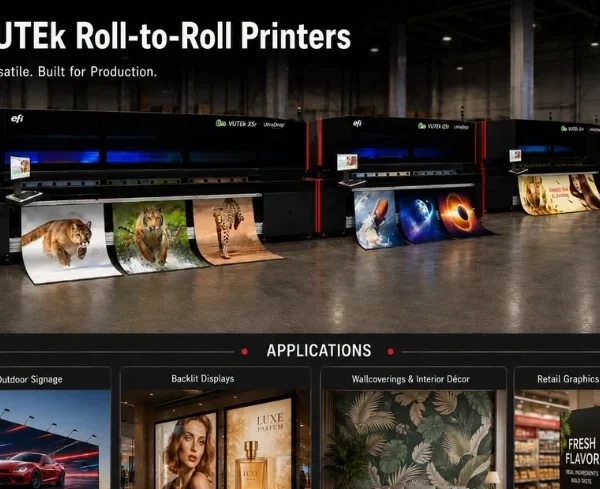
Table of Contents EFI VUTEk Roll-to-Roll Printers: The Complete Lineup Guide for Indian Large Format Print Producers India’s large format print producers evaluating UV roll-to-roll